Reservations
Reservations, right next to your orders.
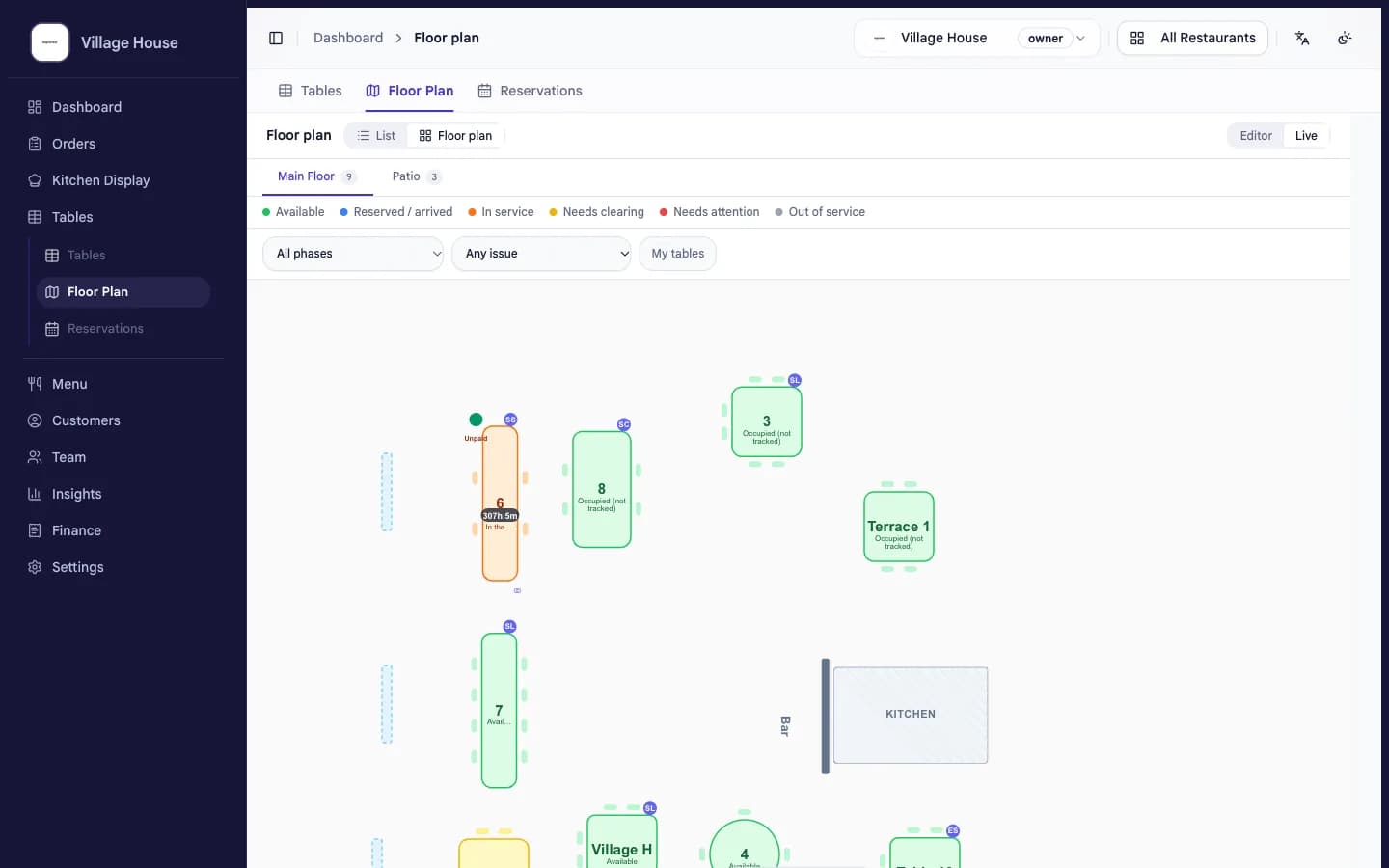
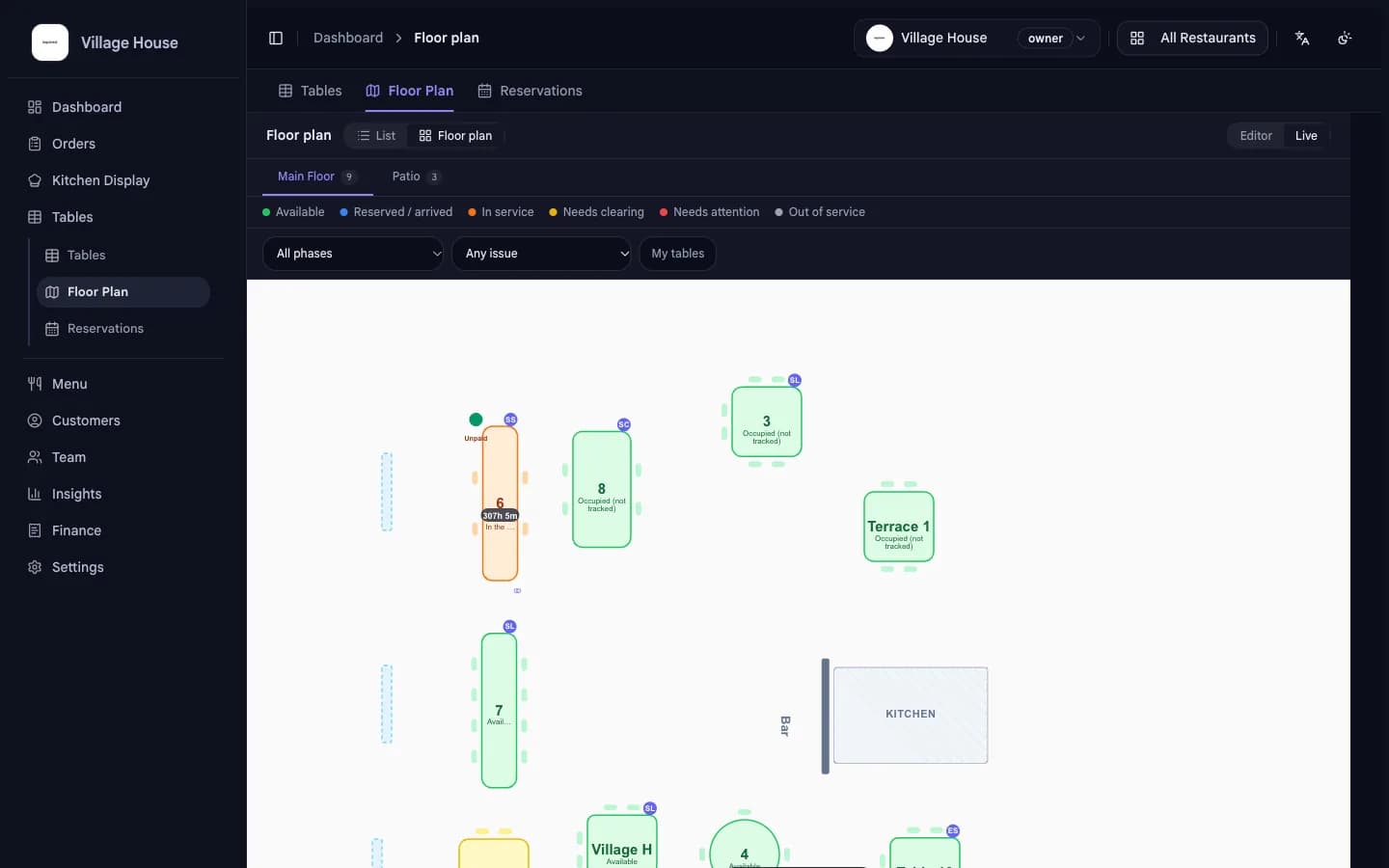
Guests book online. You see tables, party sizes and confirmations in the same system that runs your service.
No extra toolBooked online, day and nightConfirmations included
How it works
From request to seated guest.
01
Guests book online
Guests pick a time and party size on your page. No phone call needed.
02
You confirm with one tap
New requests show up next to your orders. One tap turns them into confirmed bookings.
03
Tonight's plan is ready
Times, tables and party sizes in one list. Your team knows who arrives when.
What changes for you
Fewer calls, fuller tables.
- No phone back-and-forth
- Guests book while you run service. The phone stays free.
- One system, one view
- Reservations sit next to orders, so the whole evening is in one place.
- Every detail captured
- Party size, time and table are stored with the booking. Nothing lives on paper slips.
- Included in your plan
- Reservations come with beplated. No second subscription, no second login.
Common questions
Good to know.
- Where do guests book?
- On your beplated page. You share one link, guests pick a time.
- Do I have to confirm every booking?
- You see every request and confirm with one tap, so you stay in control of your room.
- Does it cost extra?
- No. Reservations are part of the beplated plan, like ordering and reports.
- Do walk-ins and reservations mix?
- Yes. Reservations sit next to your live orders, so you always see which tables are free.
More from beplated
One system runs the rest of your day, too.
QR self-ordering
Guests scan, order and pay from the table. No app to download.
Learn moreStaff planning
Your team clocks in and out in beplated. Payroll prep takes minutes, not evenings.
Learn moreInventory
Photograph a delivery note and your stock updates itself.
Learn moreBookkeeping
Every euro recorded TSE-compliant, DATEV-ready for your accountant.
Learn more
Ready when you are