QR self-ordering
Guests order and pay themselves, straight from the table.
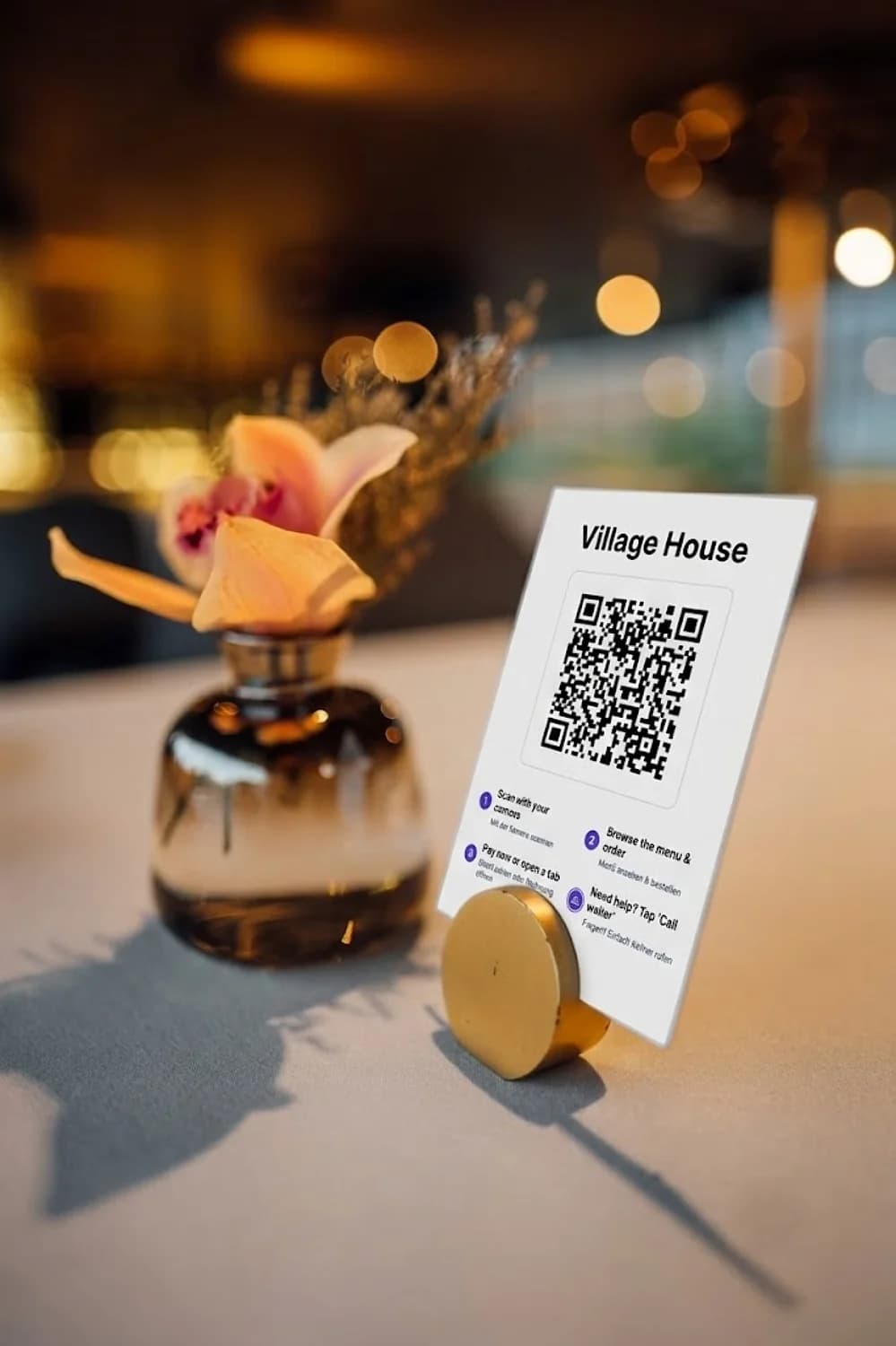
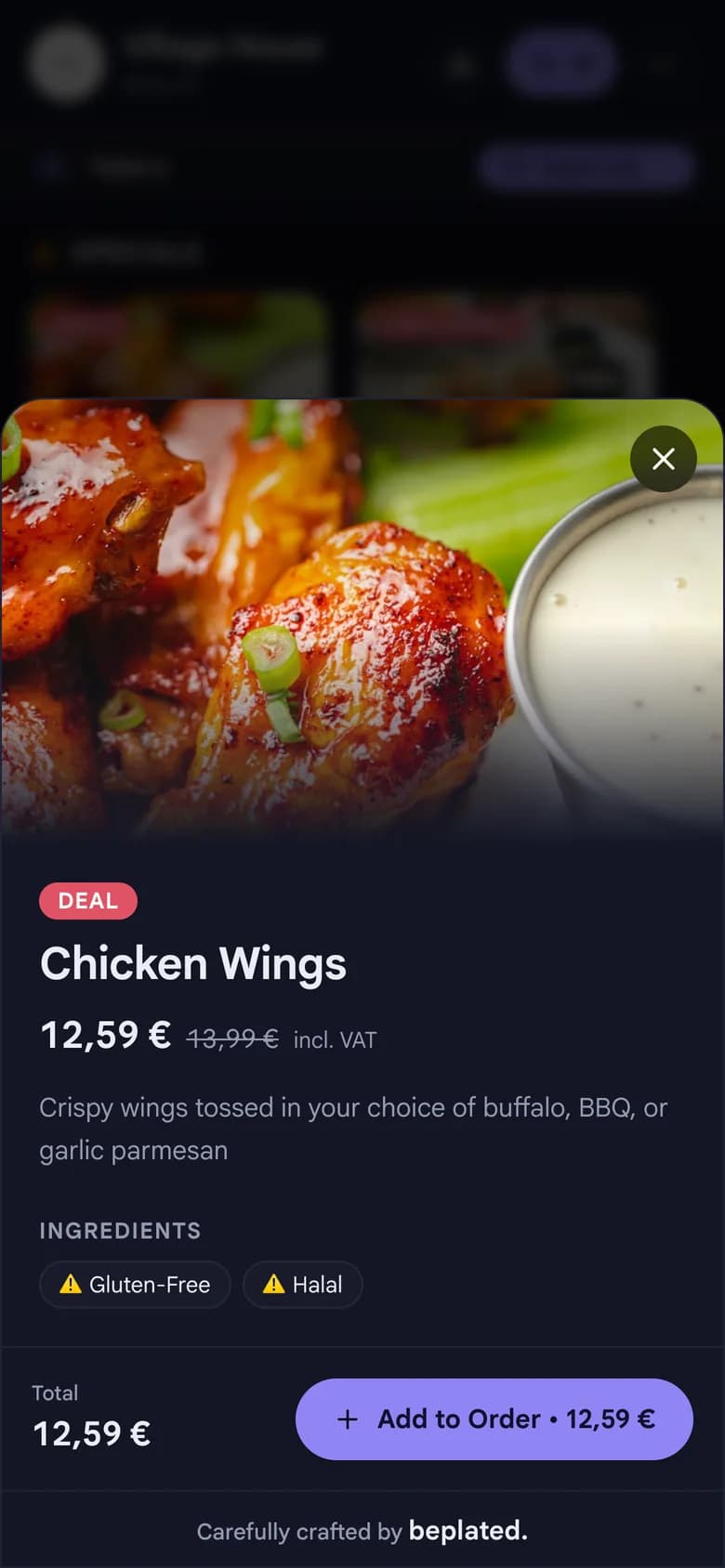
They scan the QR code on the table. No app, no waiting for a menu. Every order goes straight to the kitchen.
How it works
From seat to kitchen in three steps.
01
Guests scan the QR code
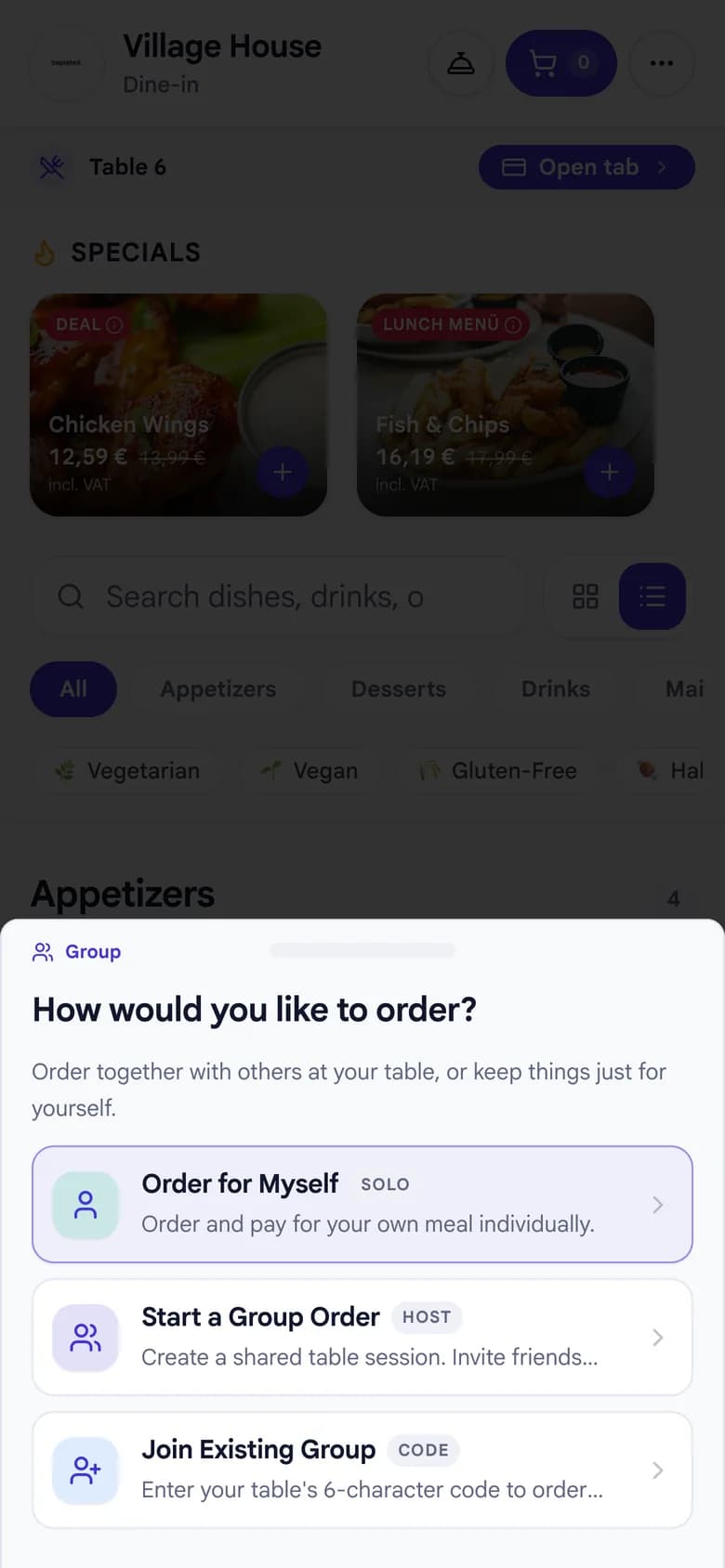
Every table has its own code. The menu opens right in the phone's browser. Nothing to install.
02
They order and pay
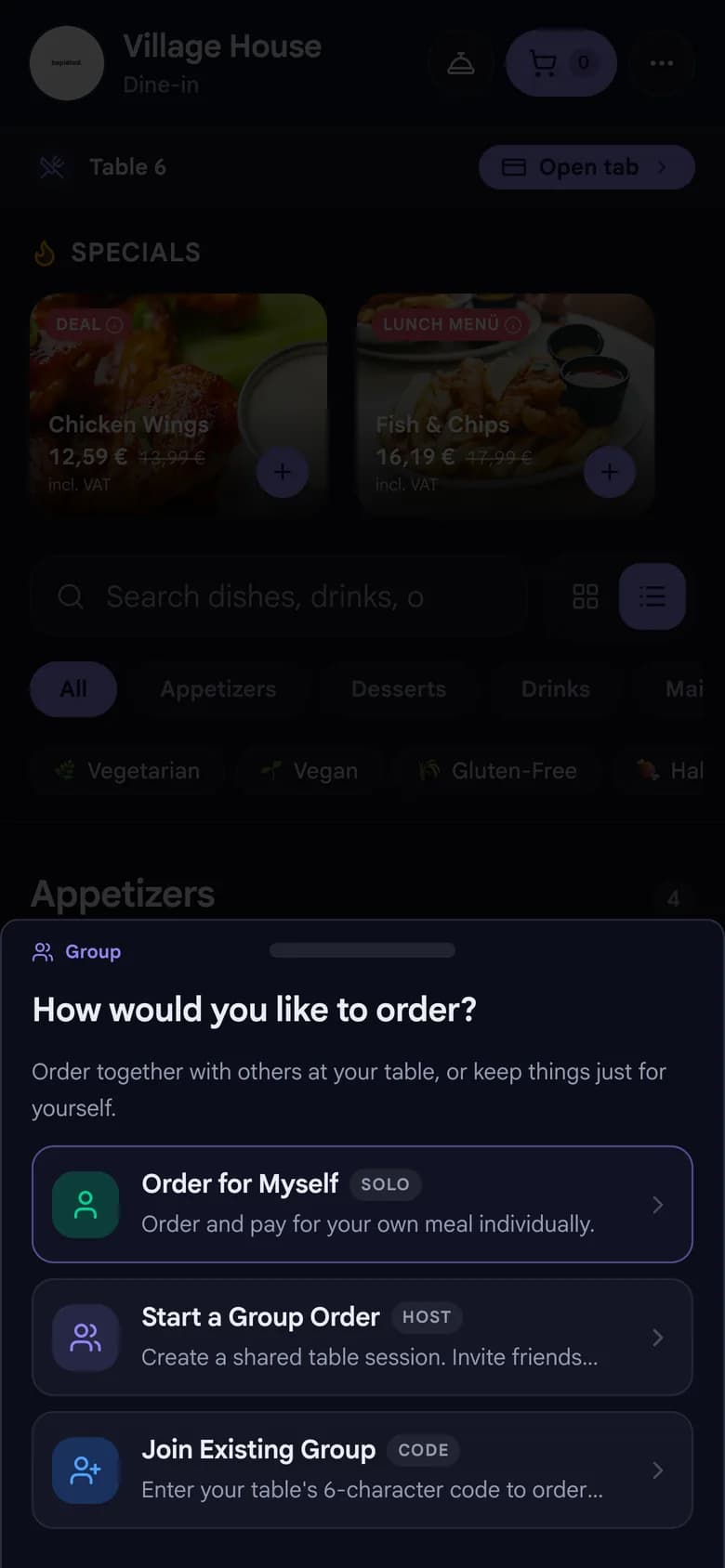
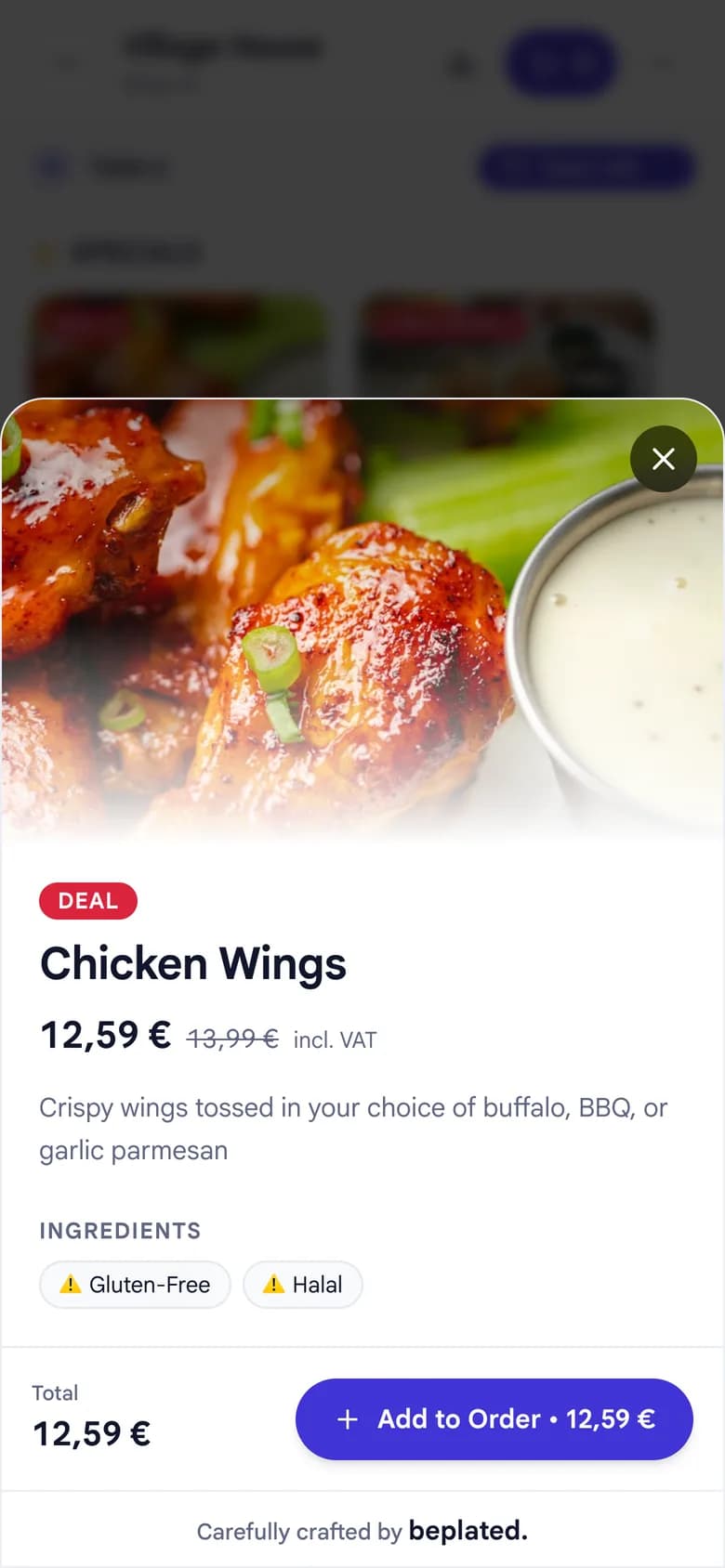
Alone or as a whole table, card or online: every payment is recorded correctly.
03
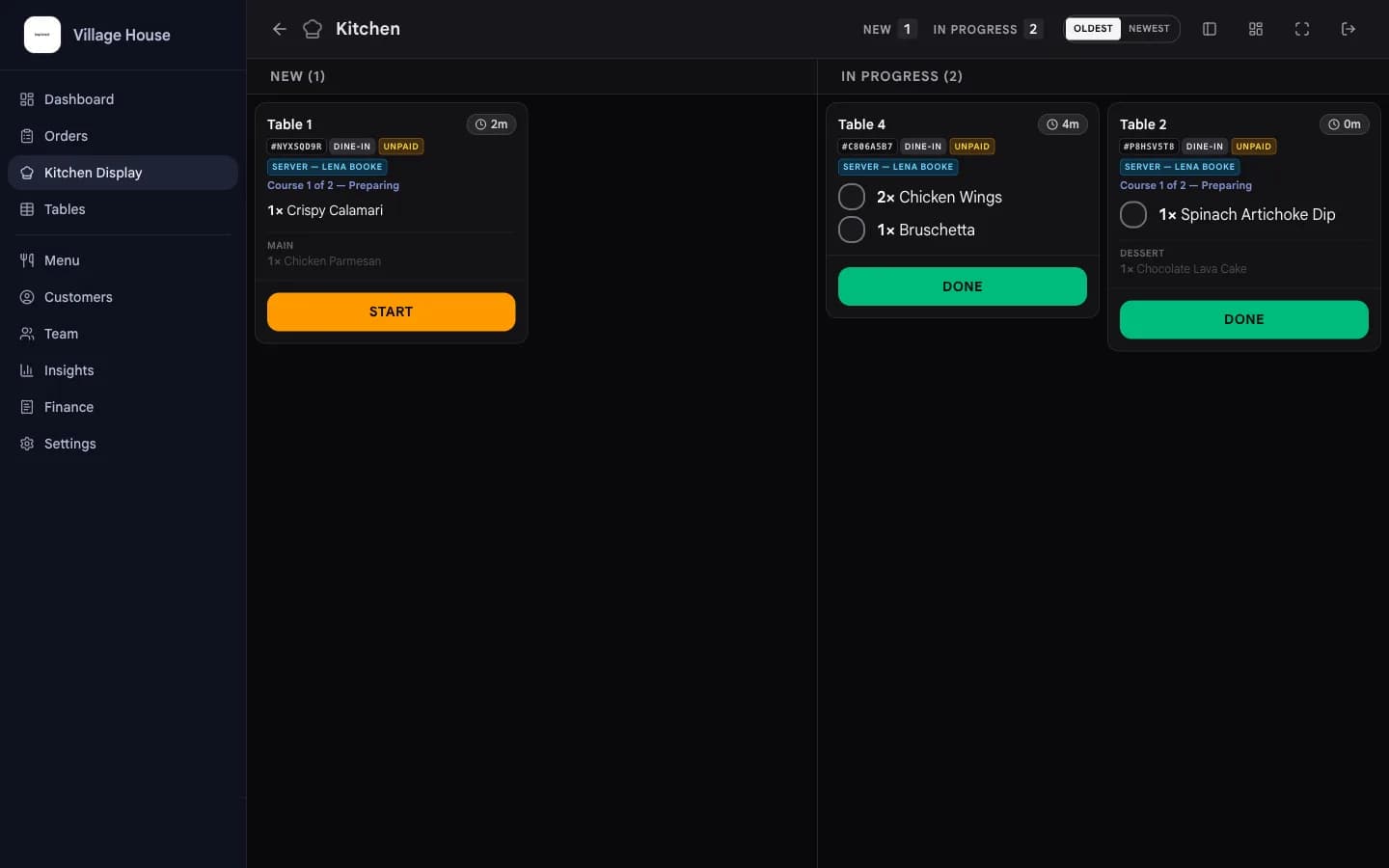
Your kitchen sees it instantly
Paid orders move from placed to preparing, ready and delivered, so nothing gets lost between table and kitchen.
What changes for you
Less running, more service.
- No waiting for a menu
- Guests order the moment they're ready, and order again without flagging anyone down.
- Whole tables, one flow
- Guests order together or separately. beplated keeps the table in sync.
- Complete daily numbers
- Every order lands in your reports automatically, fully TSE-compliant.
- Your team stays in flow
- Everyone sees what's next, from the first order to the last plate.
- Change the menu in seconds
- New prices, today's specials, sold-out dishes: every table sees the update instantly. Nothing to reprint, nothing to fix by hand.
- What younger guests expect
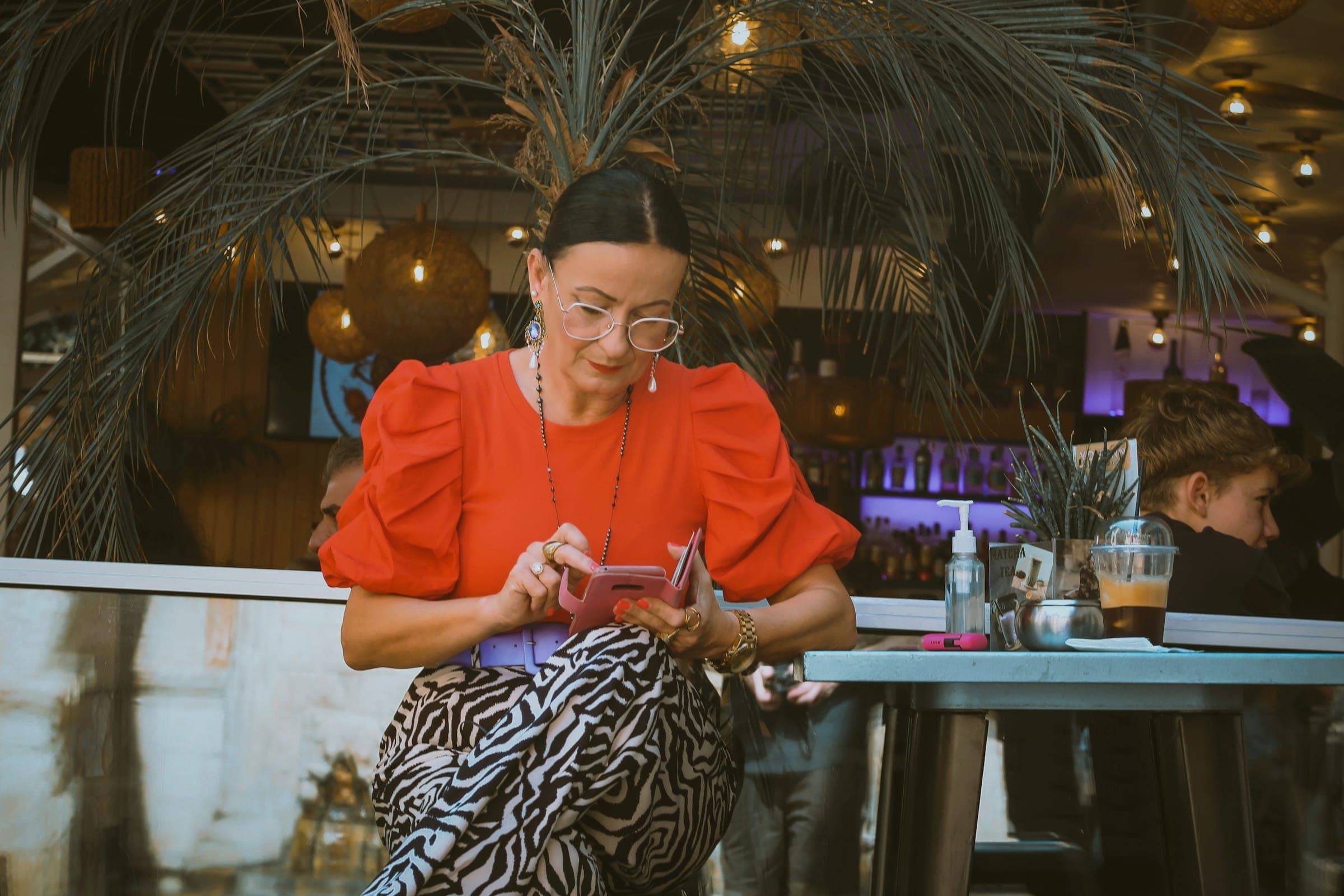
- 78% of millennials and 69% of Gen Z guests would open the menu by QR code (National Restaurant Association, 2024).
Try it now
Scan the code, order like a guest.
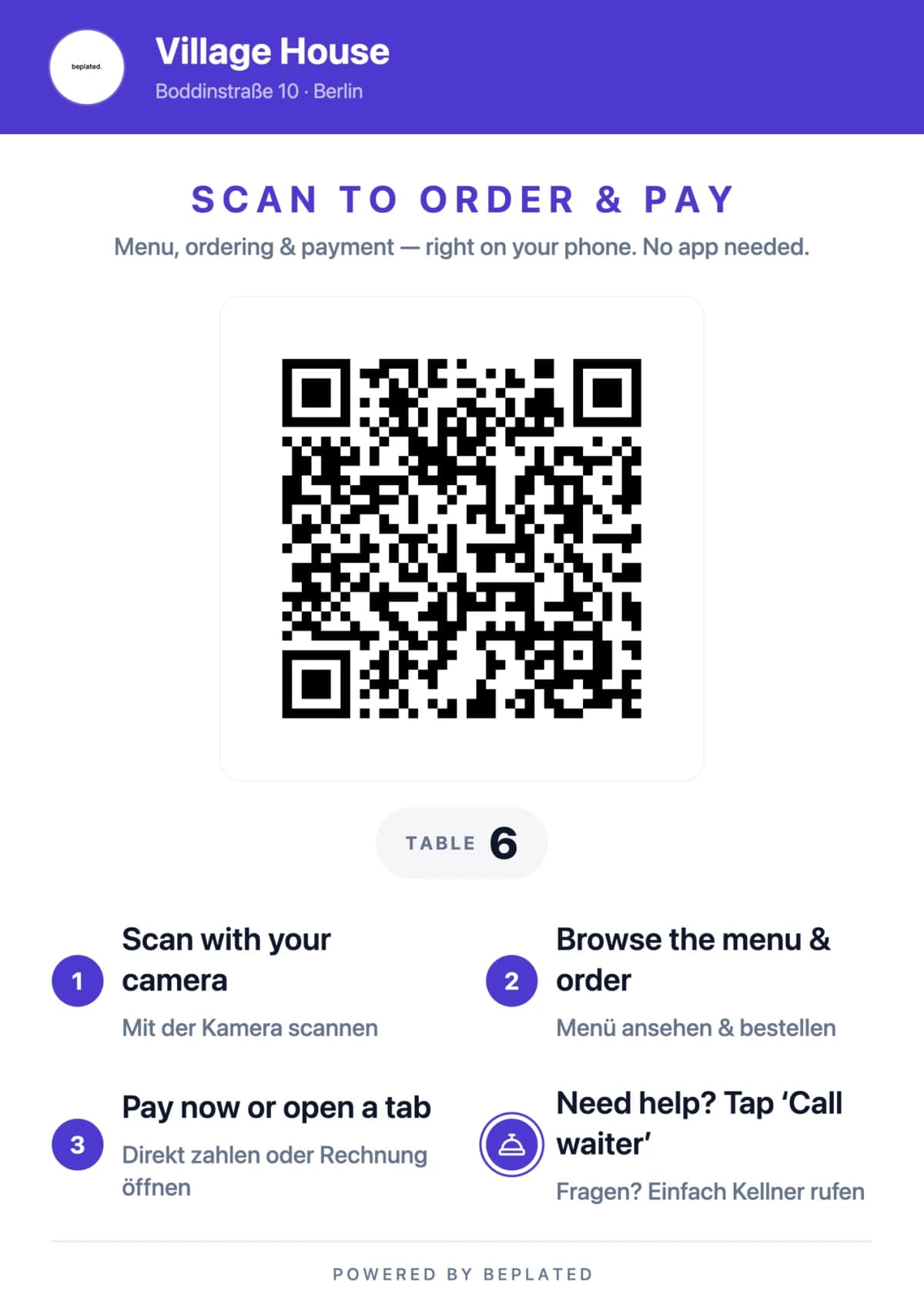
This is the QR card that sits on a beplated table. Scan it with your phone camera and see exactly what your guests would see.
- Browse the demo menu and add a few dishes.
- Pay with Stripe's test card: 4242 4242 4242 4242, any future expiry, any CVC.
- No real money moves. Order as often as you like.
Common questions
Good to know.
- Do guests need to download an app?
- No. They scan the QR code and the menu opens right in their browser.
- Can guests still pay cash?
- Yes. Card and online payments work from day one; cash unlocks once your TSE setup is complete.
- How long does setup take?
- An afternoon. Menu in, QR codes on the tables, serving by dinner.
- Does it replace my team?
- No. It carries orders from table to kitchen, so your team can stay with the guests.
- What does it cost?
- One plan: €79 per month, everything included. The first 30 days are free.
More from beplated
One system runs the rest of your day, too.
Reservations
Guests book online. You see tables and confirmations right next to your orders.
Learn moreStaff planning
Your team clocks in and out in beplated. Payroll prep takes minutes, not evenings.
Learn moreInventory
Photograph a delivery note and your stock updates itself.
Learn moreBookkeeping
Every euro recorded TSE-compliant, DATEV-ready for your accountant.
Learn more
Ready when you are